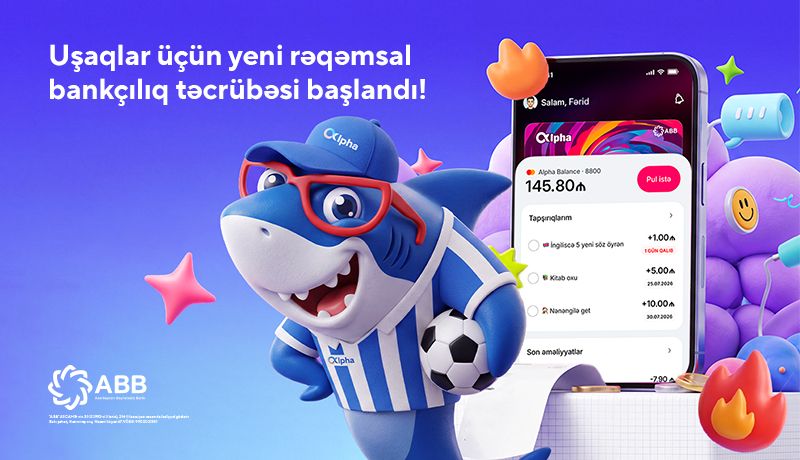
Financial literacy starts at an early age
With the new “Kids Layout” in ABB mobile, your child can learn the value of money, while you can safely and conveniently manage their financial habits.
Set up Kids Layout for your child
To help your child start using Kids Layout in ABB mobile:
Open your child’s Alpha Card;
Select “Allow”;
Enter your child’s phone number, date of birth and personal identification code (FIN code);
Sign the “Consent Application” using SİMA Signature;
Share the registration link with your child.
Your child can then download the ABB mobile app, complete the registration process and access Kids Layout.
Note: A separate consent process is required for each child and each card. The parent’s ID card must be a new-generation ID card.
Turn tasks into a game
Taking on responsibility is now more motivating. Assign daily tasks to your child, set a reward amount for each task and, once the task is completed, send the reward with just one tap.
Send pocket money with ease
When needed, your child can send you a money request through the app. Approve the request and transfer pocket money within seconds.
You are always in control
Track the balance, set daily spending limits and easily monitor all transactions. While your child learns how to manage money, you can safely manage their spending.
Financial habits for the future start today. Kids Layout helps your child learn how to manage money responsibly, make responsible decisions and make financial literacy part of everyday life.
Please note that both the parent’s and child’s ID cards must be new-generation ID cards. When children register through ABB mobile, they will not be able to complete SİMA biometric verification if they have an old-generation ID card without a photograph.
Learning about money with ABB mobile is child’s play!