
How to buy an AZAL ticket via ABB Mobile?
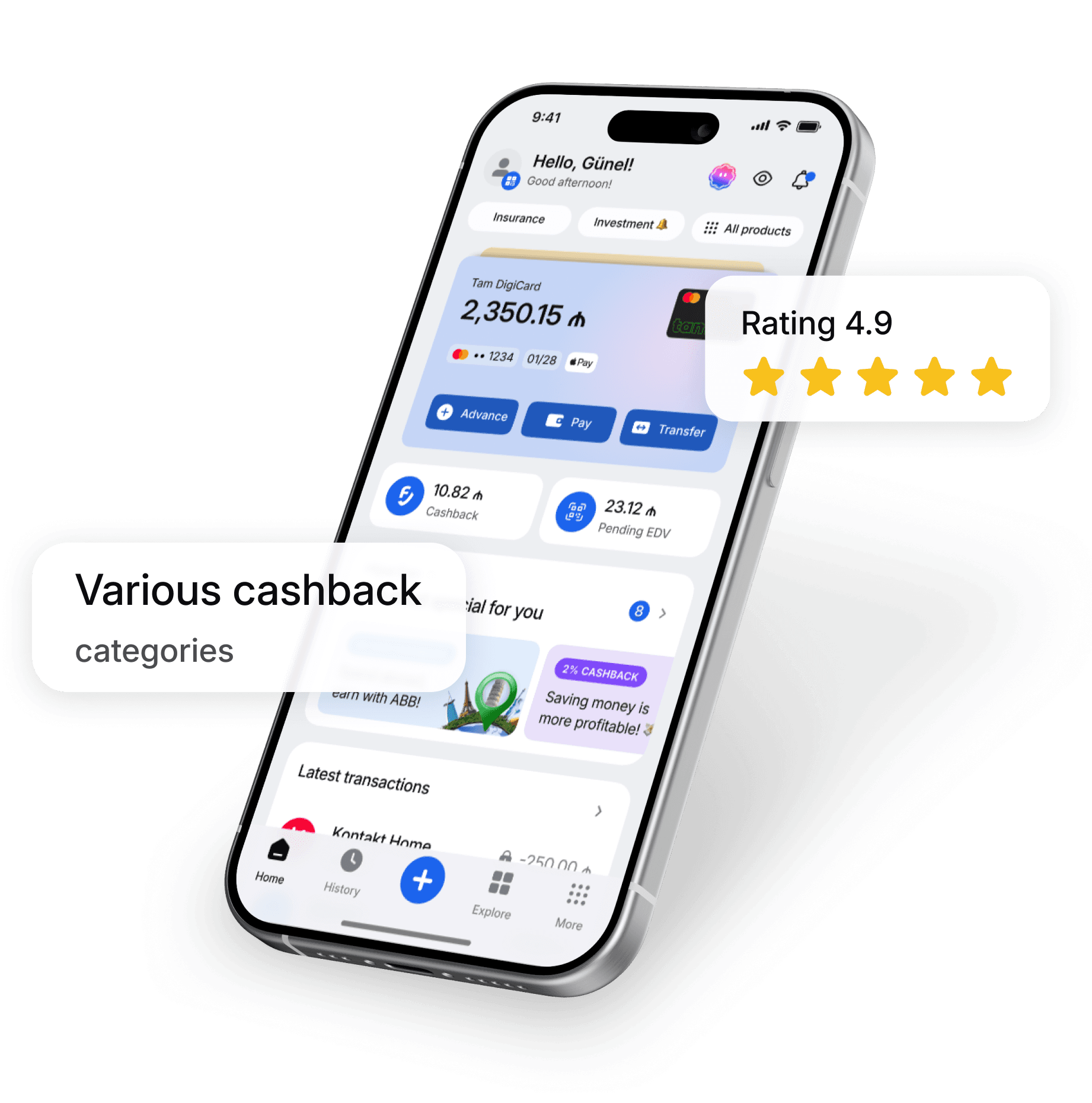
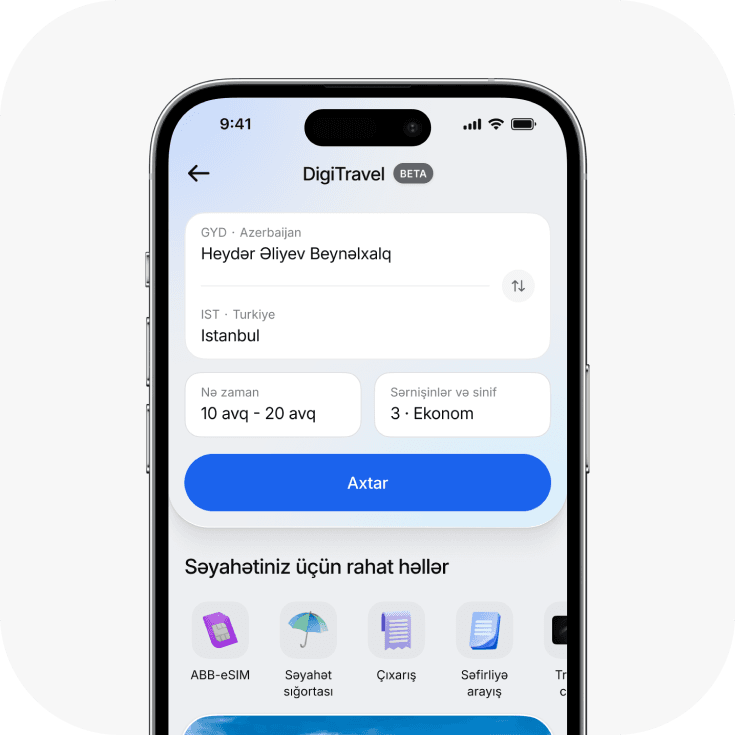
You can buy an AZAL ticket by accessing the DigiTravel service in the ABB mobile app. In the search section, enter your destination, travel dates, and other required information. The system will then display the available flights. After selecting a suitable flight, enter the passenger details and complete the payment directly through the app. There is no need to switch to another platform during this process. DigiTravel brings flight search, flight selection, and payment together in one platform, allowing you to complete the entire process within the app. To explore other features of ABB mobile, you can also visit our online banking services.
How to select a flight route when buying an AZAL ticket?
When planning your trip, one of the first steps is to correctly determine your departure and destination points. When searching on DigiTravel, you can enter your preferred destination and travel dates and then choose from the available flights. When selecting your travel dates, it is useful to compare prices for alternative dates in addition to considering the duration of your trip. This can help you find a flight that better suits your budget and travel plans. ABB’s DigiTravel service allows you to search for flights to various destinations and compare available options. The service is not currently limited to AZAL; flights operated by other airlines are also available on the platform.
How to check the price of an AZAL ticket?
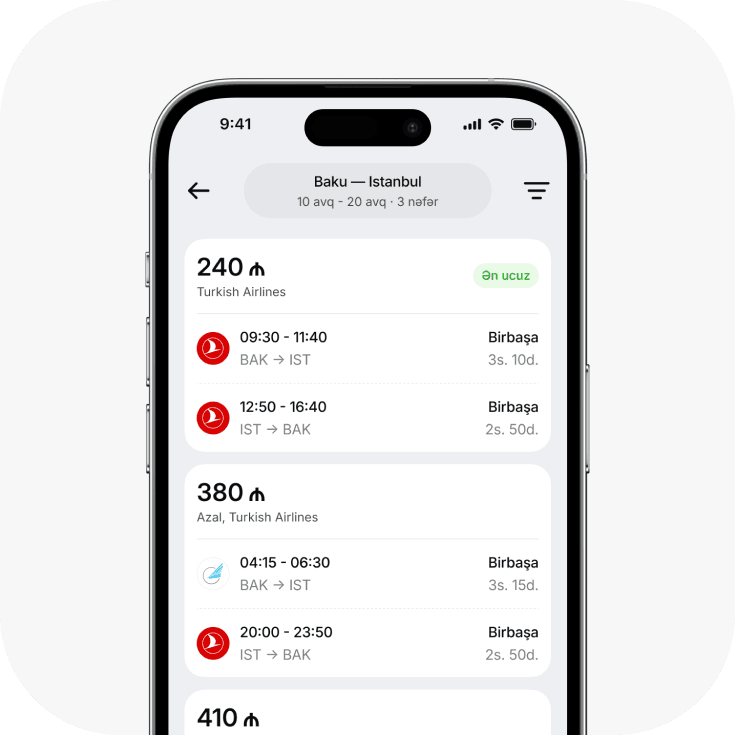
To check the ticket price, you can search for flights in the DigiTravel section of the ABB mobile app by selecting your departure and destination points and travel dates. You can compare different flights and their prices among the search results. Setting your travel budget in advance allows you to consider the price alongside the flight time, destination, and other conditions. Before booking and making a payment, it is advisable to carefully review the terms and conditions of your selected flight.
What are the advantages of buying a flight ticket with ABB mobile?
Integrating flight ticket purchases into ABB mobile allows users to plan their trips without switching between different platforms. Users can search for flights, select a suitable option, and complete the payment within the same app. Another advantage of DigiTravel is the wider choice of airlines available. As of July 2026, in addition to AZAL, tickets for airlines including Turkish Airlines, AJet, Pegasus, Lufthansa, Flydubai, and Wizz Air website can also be purchased via ABB mobile. If you need other travel-related services, ABB’s Travel Card also offers the opportunity to use bonuses for flight tickets and hotel reservations.
How to Enter Passenger Information When Buying an AZAL Ticket?
After selecting a flight, it is important to enter the passenger’s information correctly to complete the ticket purchase. The first name, last name, and other required details must match the information provided in the official travel document. Since incorrect information may cause issues with your flight later, it is recommended to review all details carefully before confirming the payment. It is especially important to ensure that the passenger’s document details are accurate when booking international flights. Providing accurate information during the ticket purchase helps ensure a smoother travel experience.
How to Make a Payment for a Flight Ticket?
After selecting a suitable flight and entering the passenger information, you can make the payment via ABB mobile. This allows you to complete the flight ticket purchase directly in the app without switching to a separate booking platform. Before making the payment, it is advisable to check the selected flight’s destination, travel date, passenger information, and total amount. After confirming that all the details are correct, you can complete the purchase. For more information about ABB mobile, explore the features of ABB mobile.
How to View a Purchased AZAL Ticket?
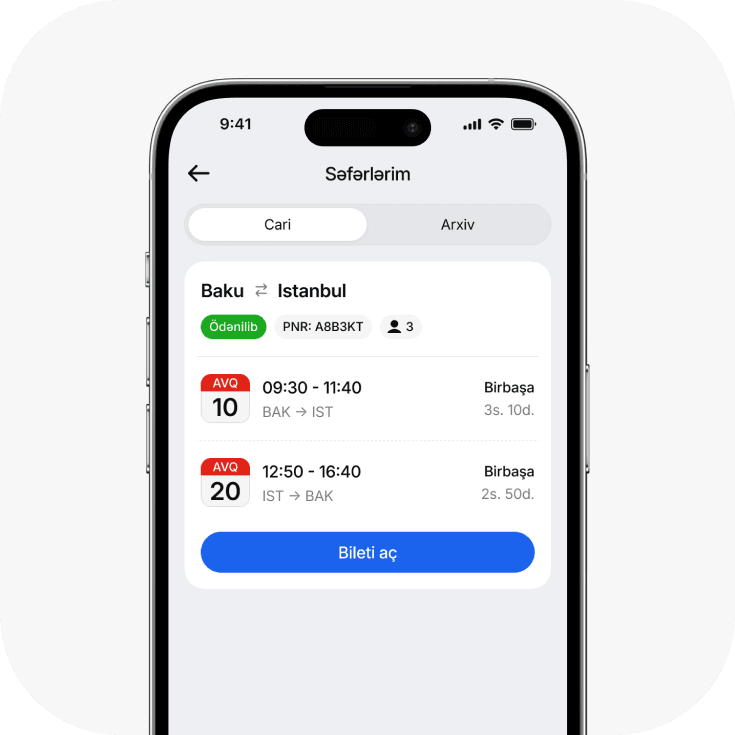
After completing your flight ticket purchase, you can view and manage your trip information directly in the app. One of the key benefits of the DigiTravel service is the ability to view existing tickets within the app and manage your travel information from a single platform. When checking your ticket details, it is advisable to make sure that the flight date, time, destination, and passenger information are correct. Reviewing the details again as your travel date approaches can also help you stay informed of any changes in a timely manner.
Where Can You Check Information About AZAL Flights?
You can access key information when searching for flights and purchasing tickets through the DigiTravel service in ABB mobile. For more detailed information and the airline’s flight terms and conditions, it is also advisable to refer to AZAL’s official channels. ABB is gradually bringing its travel services together on a single platform within ABB mobile. In addition to flight tickets, the app offers travel insurance, eSIM services, and embassy reference letters. If you are interested in additional travel benefits, the miles earned with an ABB Miles card can be used to pay for flights and hotel bookings.
What Are the Baggage Terms When Buying an AZAL Ticket?
Baggage rules may vary depending on the selected flight’s fare, destination, and the conditions set by the airline. Therefore, before purchasing a ticket, it is important to check whether baggage is included in the selected flight and what the permitted baggage allowance is. Since different fares may be available for the same destination, considering not only the ticket price but also the services included in the fare can help you make a more informed choice. If you need additional baggage for your trip, it is also advisable to consider this cost in your overall travel budget in advance.
How Convenient Is It to Buy an AZAL Ticket via ABB mobile?
The main advantage of buying a flight ticket via ABB mobile is that the key steps, from searching for a flight to making the payment, can be completed on a single digital platform. Users can select their destination and travel dates, browse available flights, review the ticket terms, and complete the purchase without leaving the app. This feature is particularly convenient for users who prefer to plan their trips on their phones and search for flights without switching between different websites. With ABB’s DigiTravel service, users can also compare flights from other airlines in addition to AZAL, giving them a wider range of travel options.